





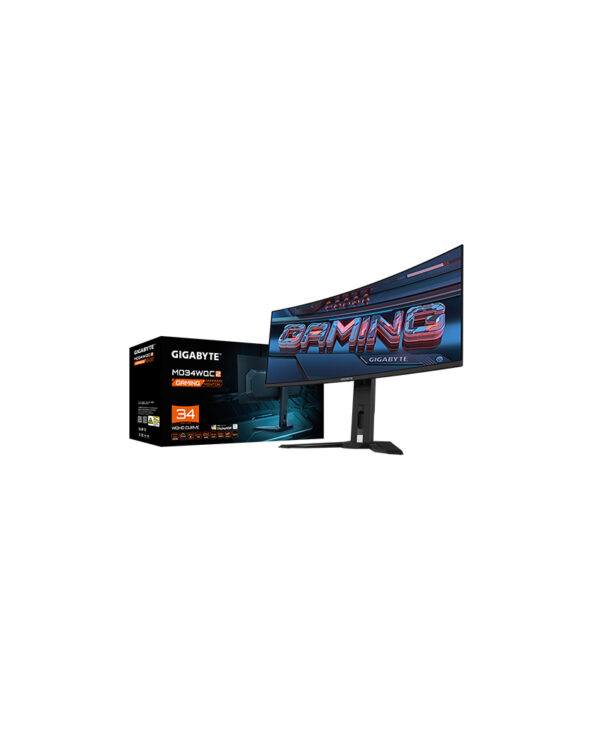
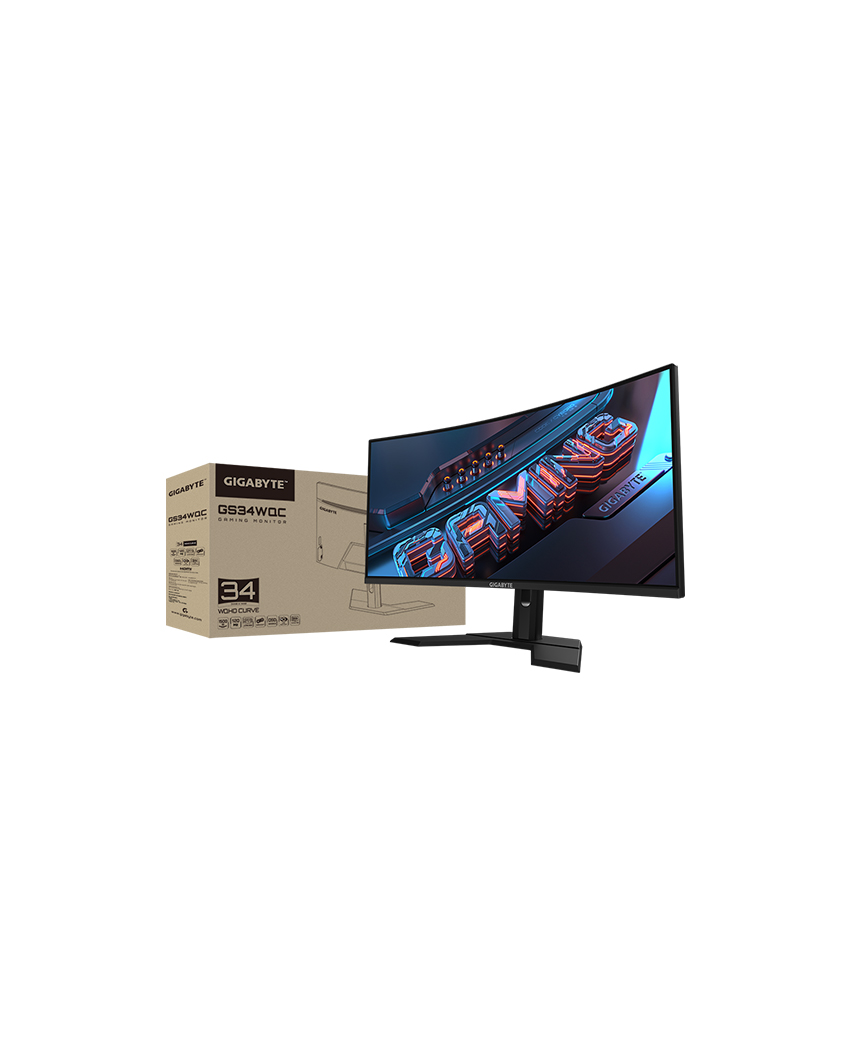
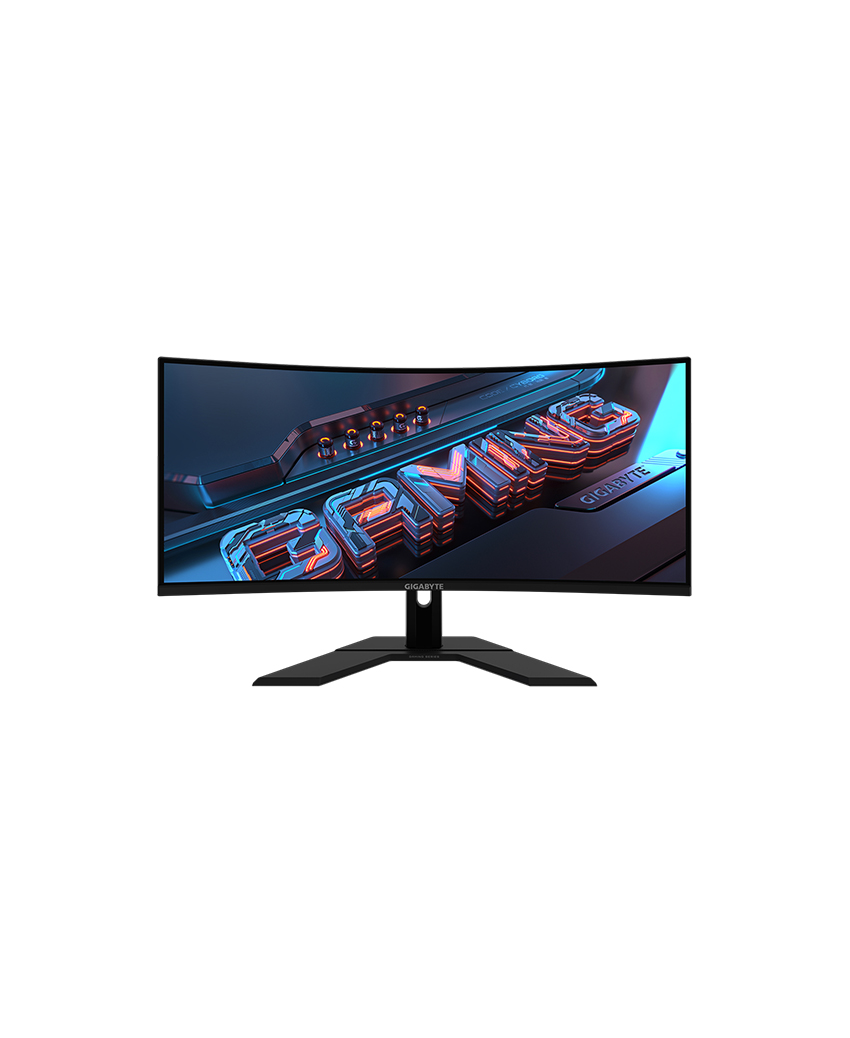
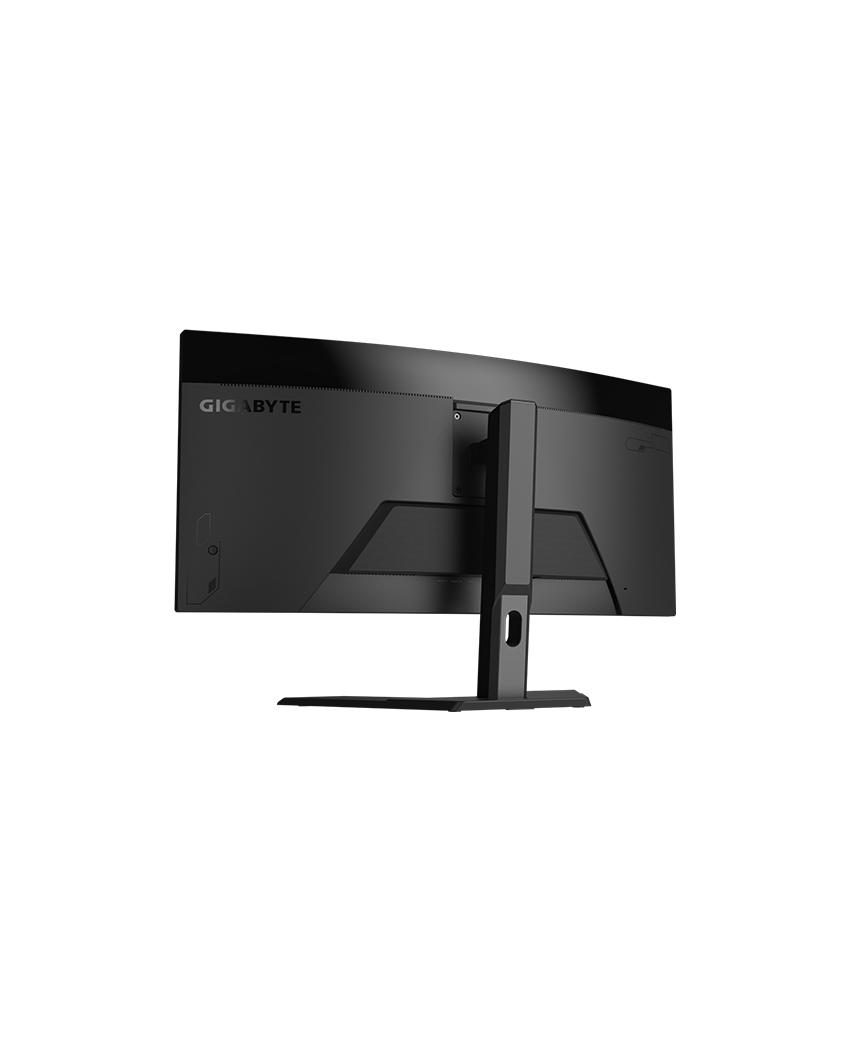
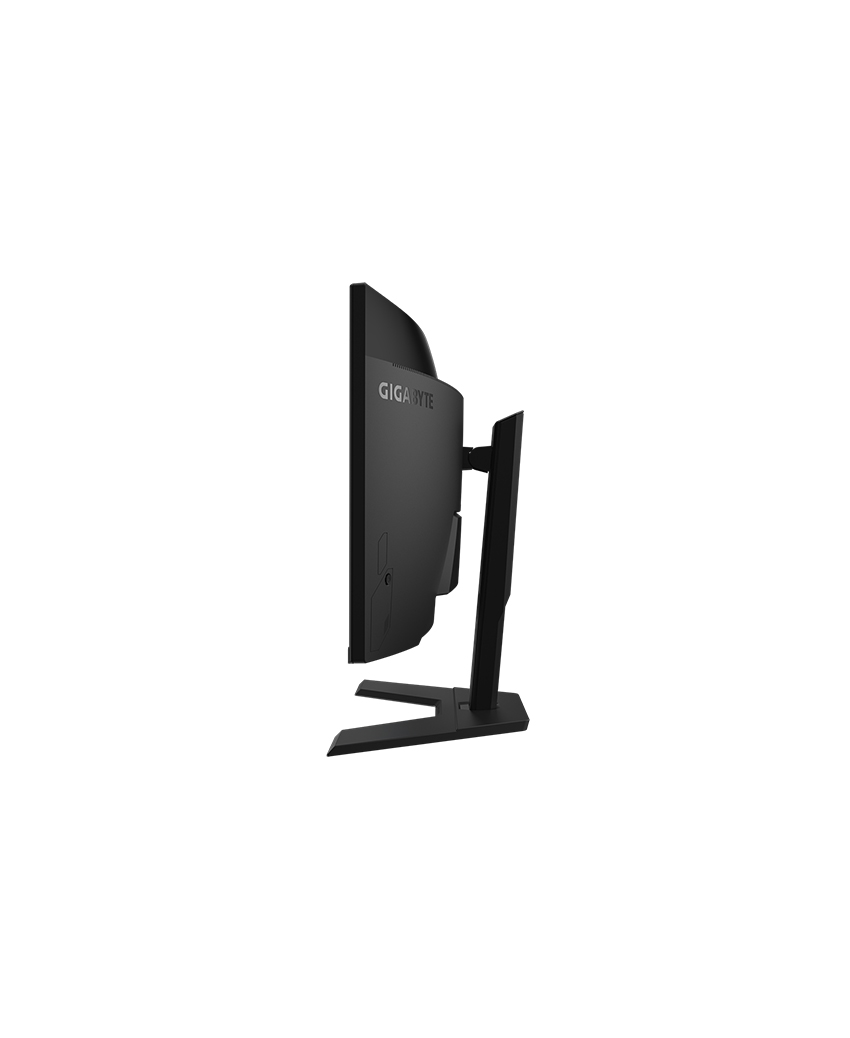
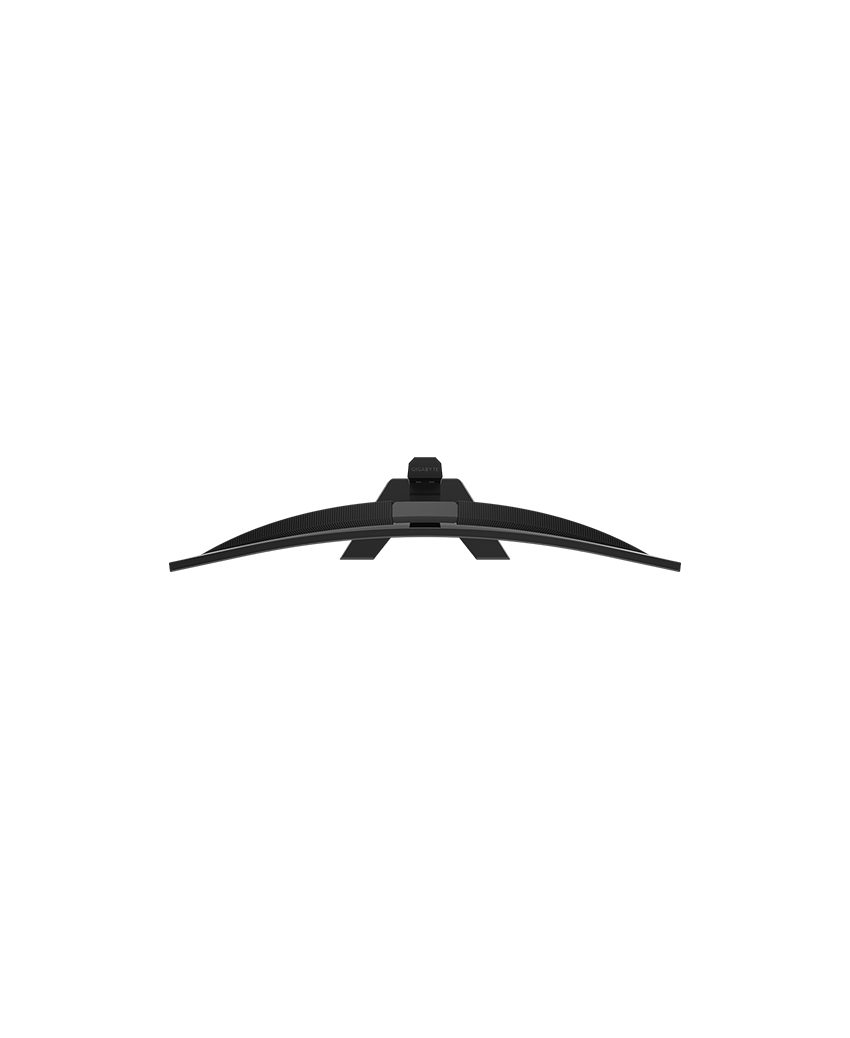
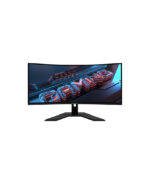
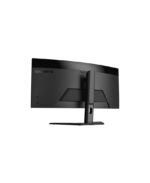
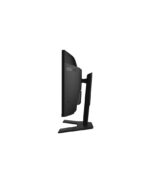

GS34WQC Gaming Monitor
-
Panel Size (diagonal)34″ VA 1500R
-
Display Viewing Area (HxV)797.22 x 333.72 (mm)
-
Panel Backlight/ TypeEdge
-
Display Surface(non-glare/ glare)Non-glare
-
Color Saturation120% sRGB
-
True Resolution3440 x 1440 (WQHD)
-
Pixel Pitch0.23175*0.23175
-
Brightness300 cd/m2 (TYP)
-
Contrast Ratio4000:1
-
Viewing Angle178°(H)/178°(V)
-
Display Colors16.7M
-
Response Time1ms (MPRT)
-
Refresh Rate120Hz/OC 135Hz
-
HDRHDR Ready
-
Flicker-freeYes
-
HBR3Yes
-
Connectivity2 x HDMI 2.0
1 x Displayport 1.4
1 x Earphone Jack -
Earphone JackYes
-
SpeakerN/A
-
Unique FeaturesOSD Sidekick *
Aim Stabilizer
Black Equalizer
Crosshair
Timer
PiP/PbP -
Power TypePower Board Build-in
-
Power Saving Mode0.5W
-
Power Off Mode0.3W
-
VoltageAC 100-240V ~ 50/60H
-
Tilt(angle)-5°~+20°
-
Swivel(angle)N/A
-
Pivot(angle/direction)N/A
-
Height Adjustment (mm)100mm
-
VESA Wall Mounting(mm)100*100mm
-
Phys. Dimension with Stand(WxHxD)808.9*488.8*234.8 mm
-
Phys. Dimension w/o stand (WxHxD)808.89*363.45*114.45
-
Box Dimension (WxHxD)995*196*567 mm
-
Net Weight with stand (Esti.)8.38 kg
-
Net Weight without stand (Esti.)6.08 kg
-
Gross Weight (Esti.)11.3 kg
-
AccessoriesPower cable/DP cable/QSG/Warranty card
-
Note
*To enable OSD Sidekick (integrated in GCC), it requires connection between PC and monitor with HDMI/DP cable.
**The test condition follows CEC standards.